Emojis help us communicate more clearly and naturally online. They add emotion, tone, and personality to messages that plain text sometimes lacks. On our platform, emojis are used to:
Express feelings quickly without long explanations
Clarify intent and tone, reducing misunderstandings
Make content more engaging and friendly
Highlight key points or add emphasis in conversations
Create a more human and relatable experience
When used thoughtfully, emojis enhance communication without replacing words—they simply make messages clearer, warmer, and more expressive.
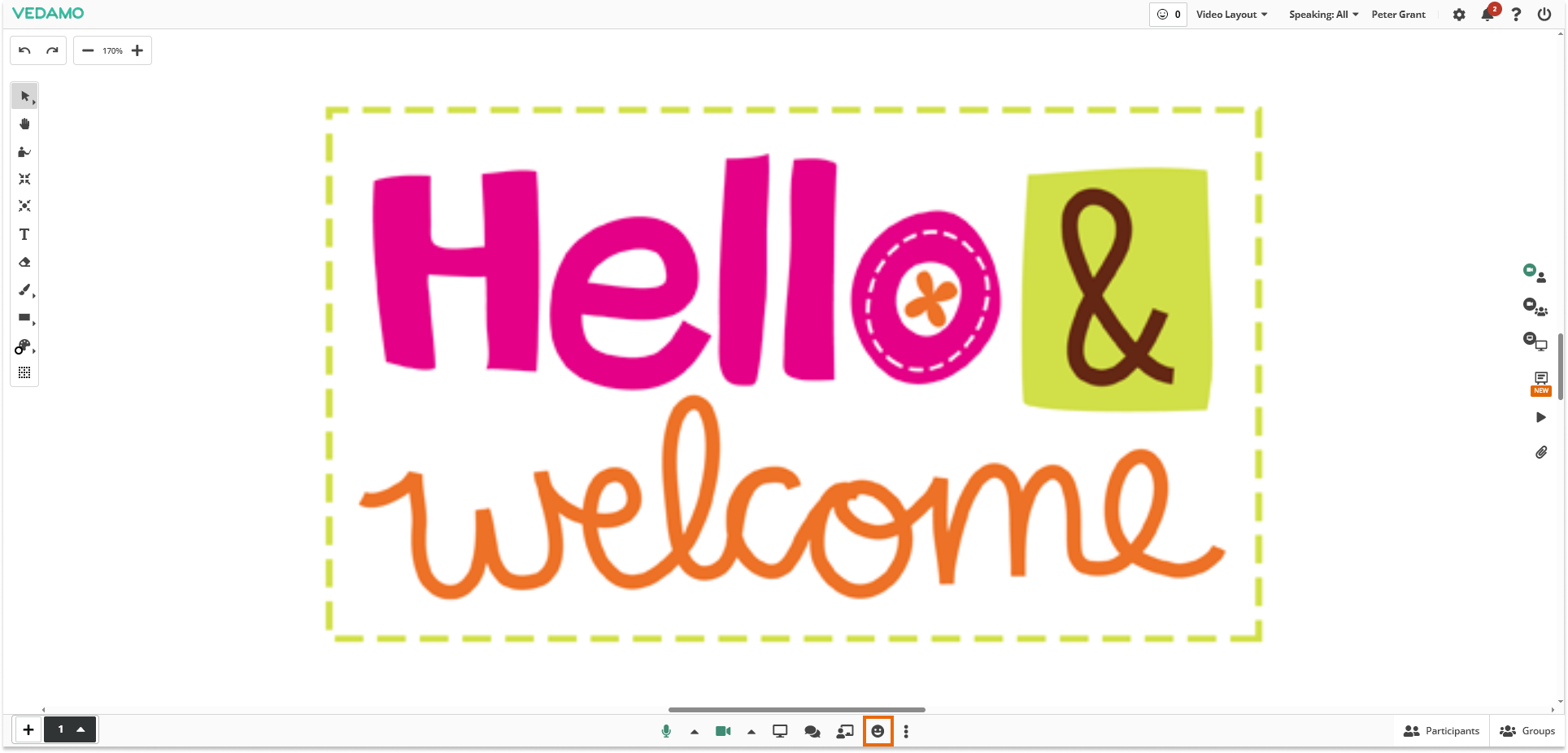
The emojis are located in the bottom center of the virtual classroom:
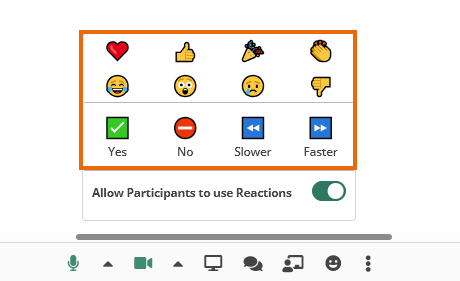
Here is a list of all reactions:
You have the option to allow/deny users to use those reaction emojis from the option:
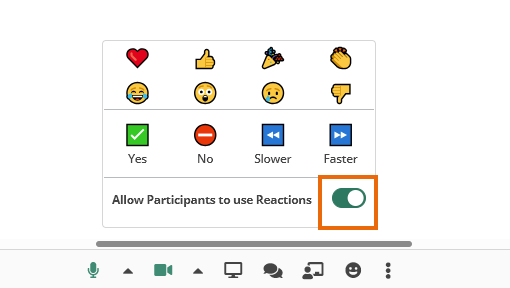
Note: The reactions are turned OFF by default.
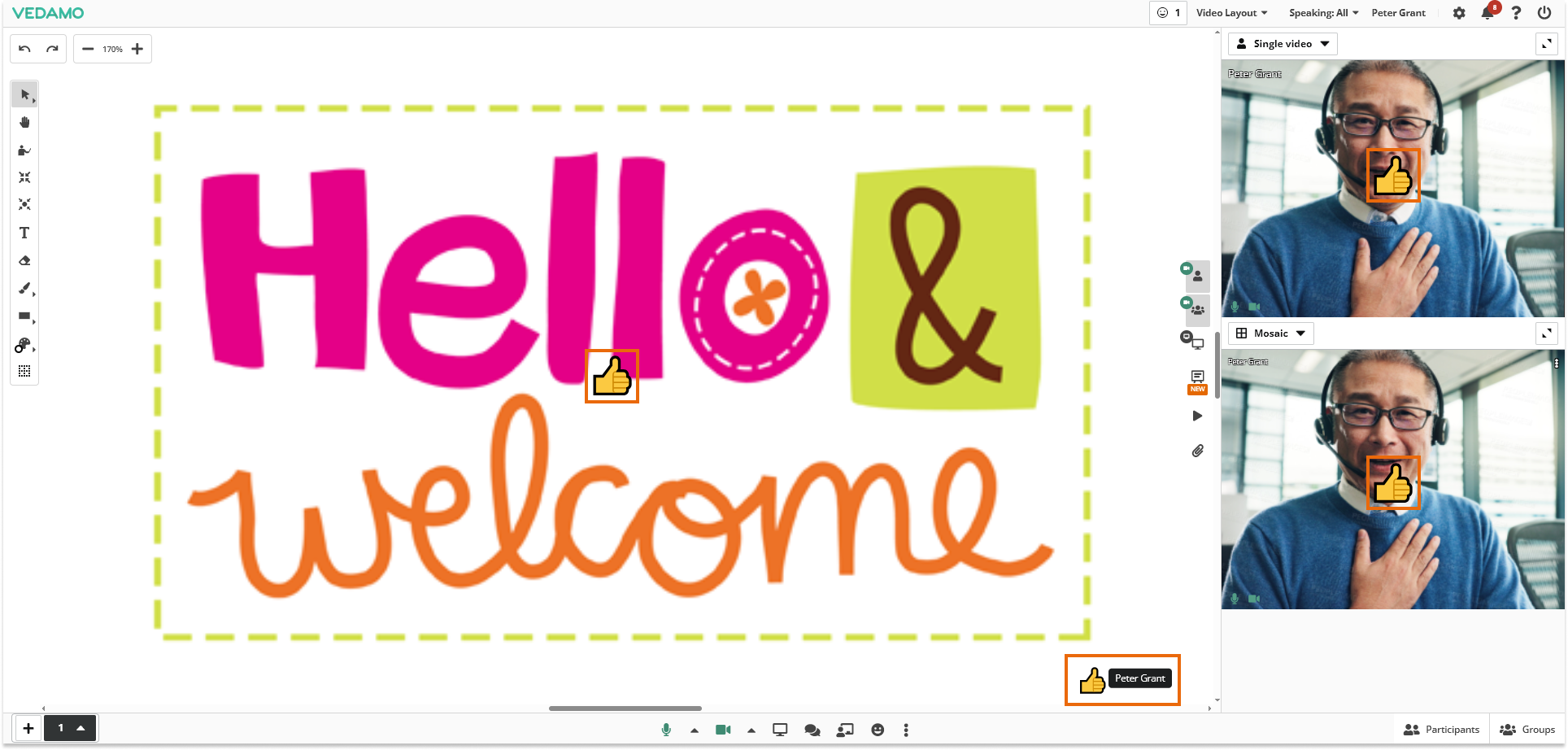
When used the emojis will pop-up on different places visible to everyone and will soon disappear:
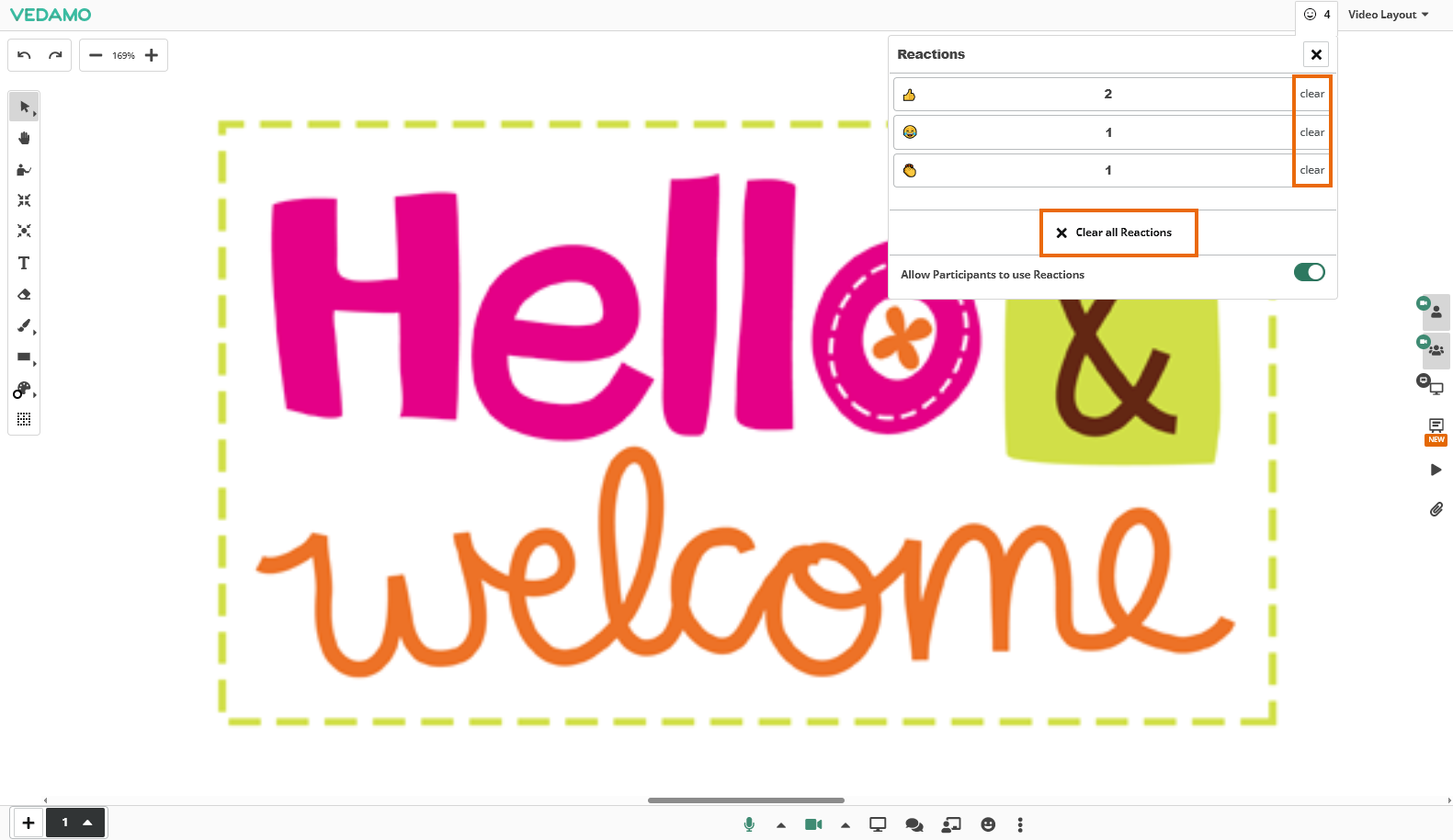
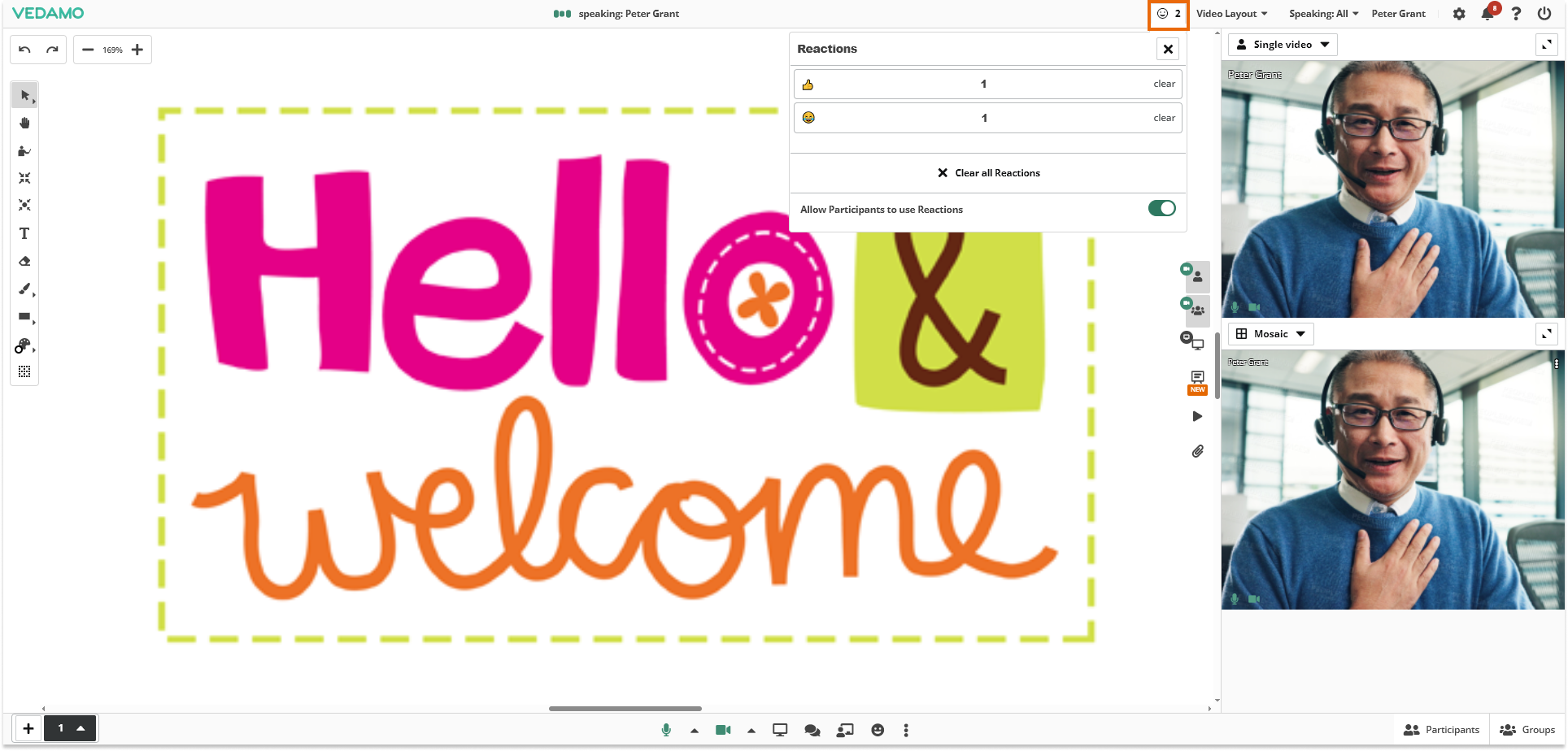
From the top left side, you can see the history of ALL used reactions (emojis):
Or you can click on any reaction to see the history only for that particular reaction (number of users that have used it):
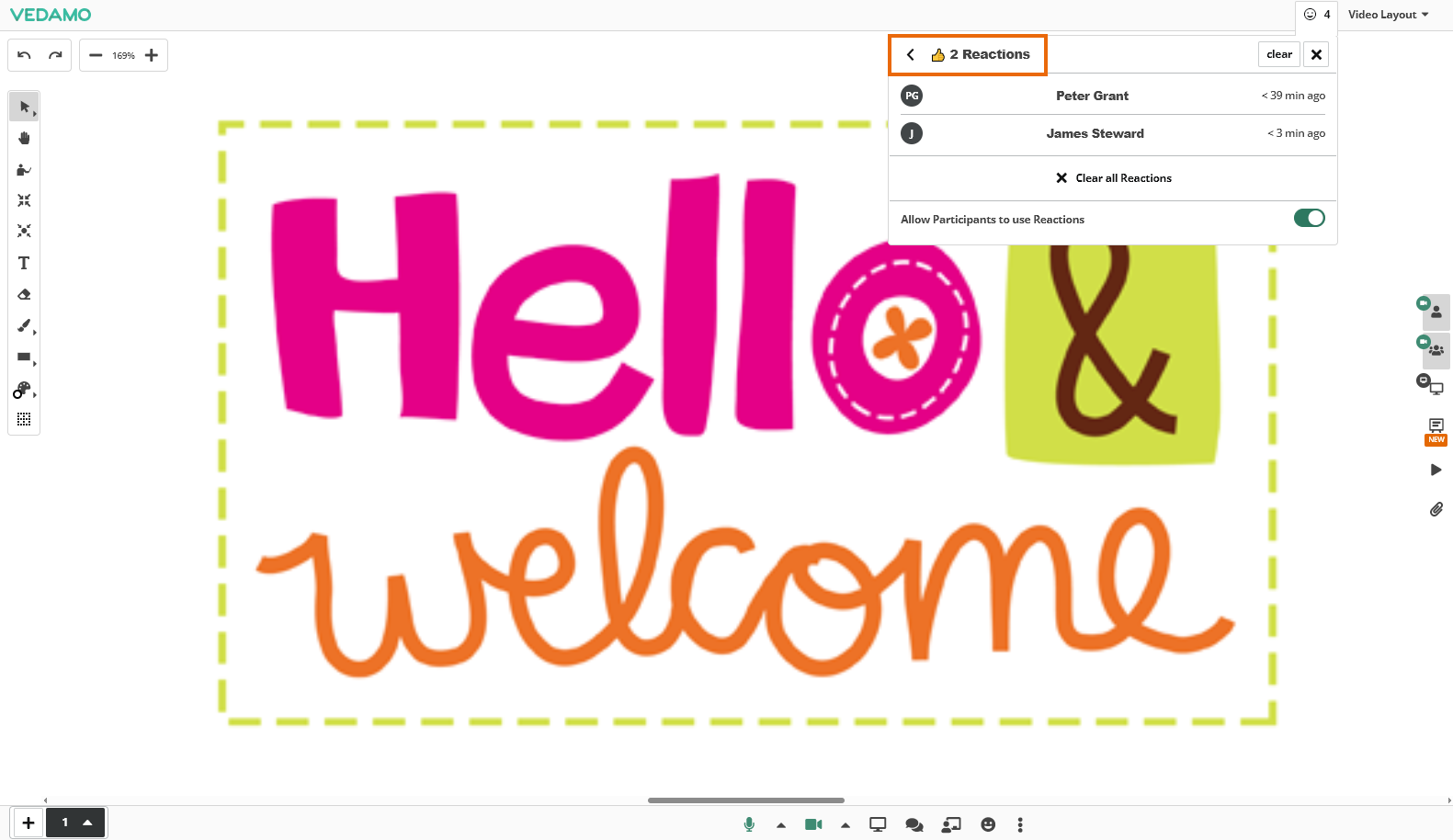
You can also clear the history for them from the “Clear” and “Clear all reactions” buttons: